
Veiler
Keep the photos and videos you'd rather
not have seen in a passcode-locked vault.
 Android
coming soon
Free to use
iPhone and iPad (iOS 18 or later)
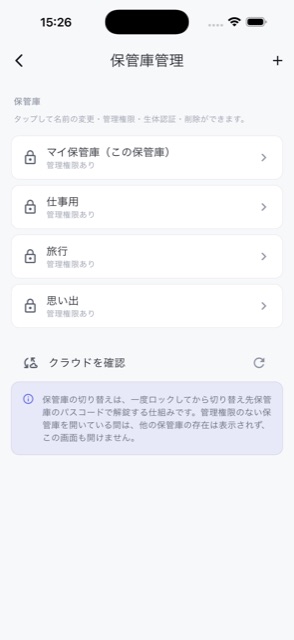
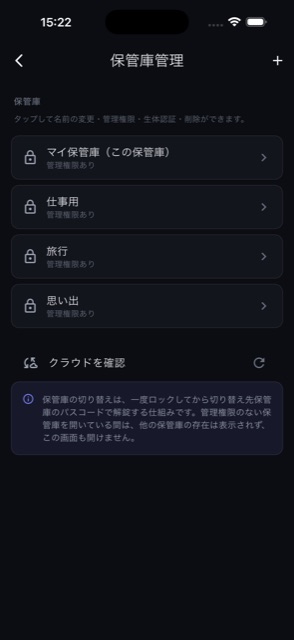
Keep the photos and videos you'd rather
not have seen in a passcode-locked vault.
AndroidFree to use
iPhone and iPad (iOS 18 or later)
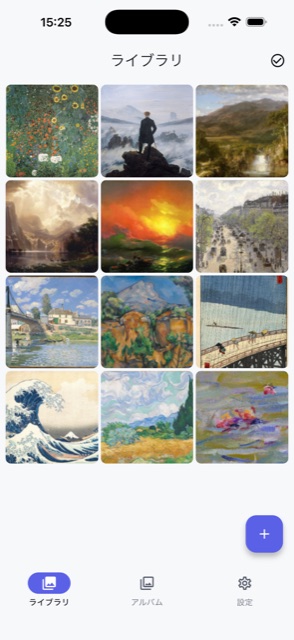
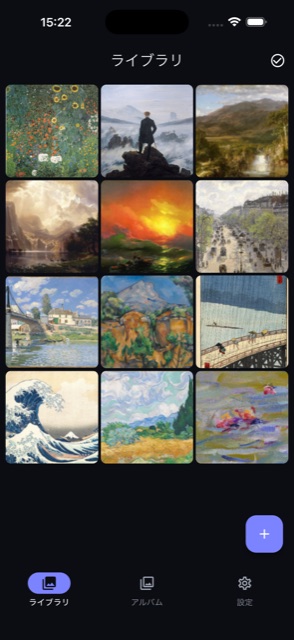
What you import is copied into Veiler's own storage and never appears in the Photos app. Hand someone your phone, or show them a picture, and there is nothing of yours sitting in the same grid.
The original stays in Photos. Delete it yourself if you want it hidden.
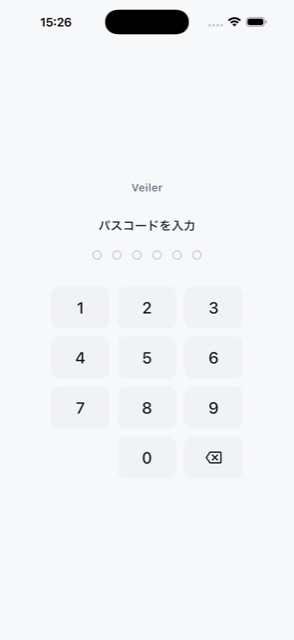
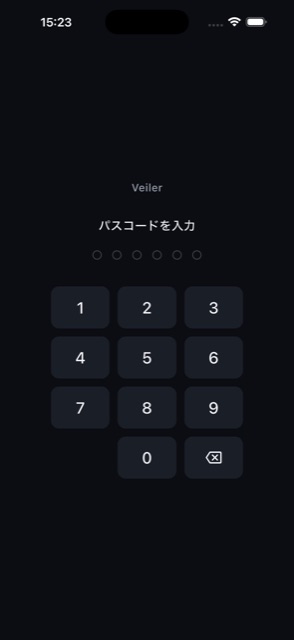
Opened by passcode or Face ID. Going back to the home screen or switching apps locks it again after 30 seconds by default, and you can set it to lock immediately. While you are away the screen itself is hidden too.
Whatever you keep here can be taken out again in one go. Deciding to stop using Veiler never means being locked out of your own files. The way out exists before you put anything in.
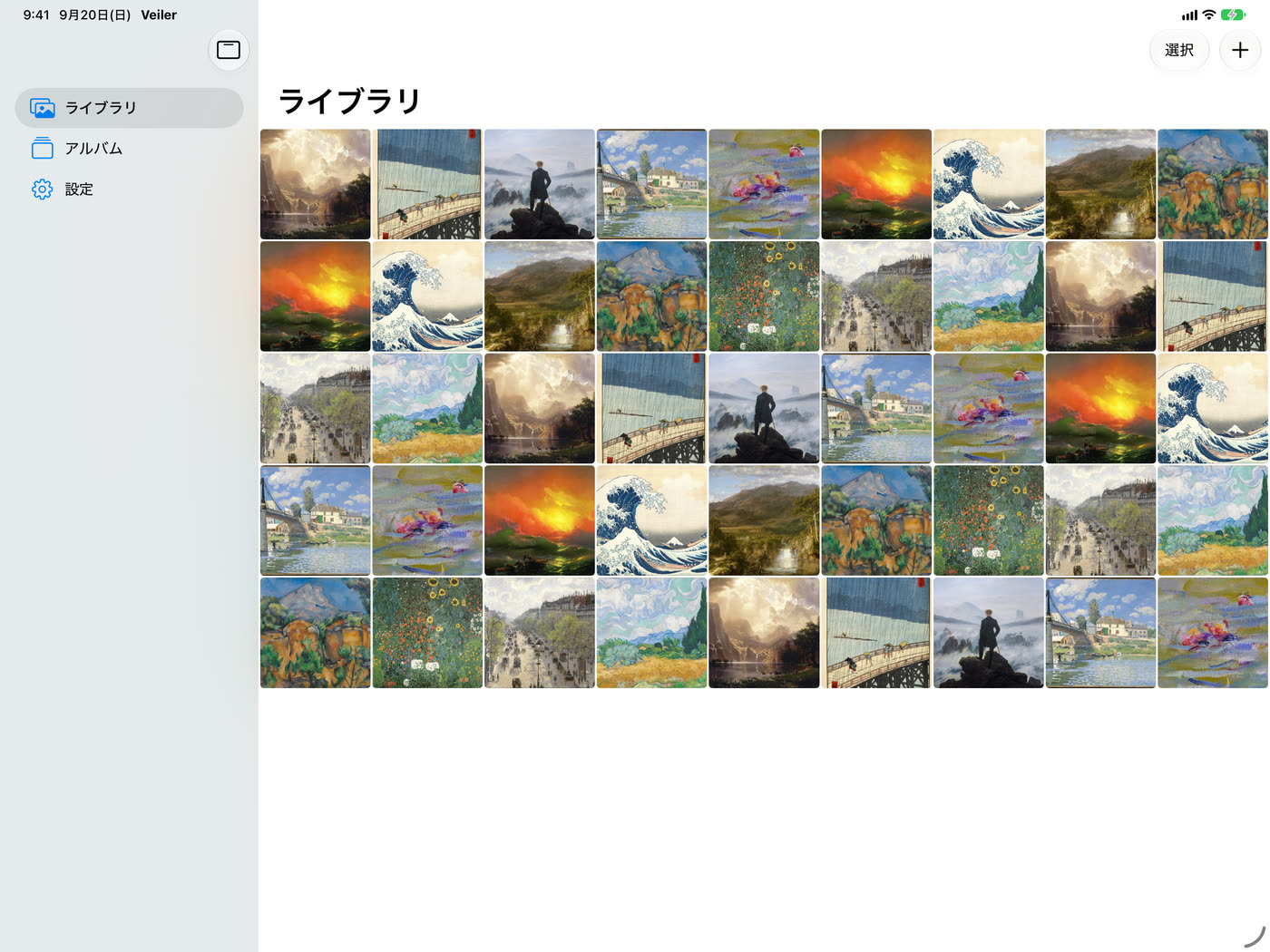
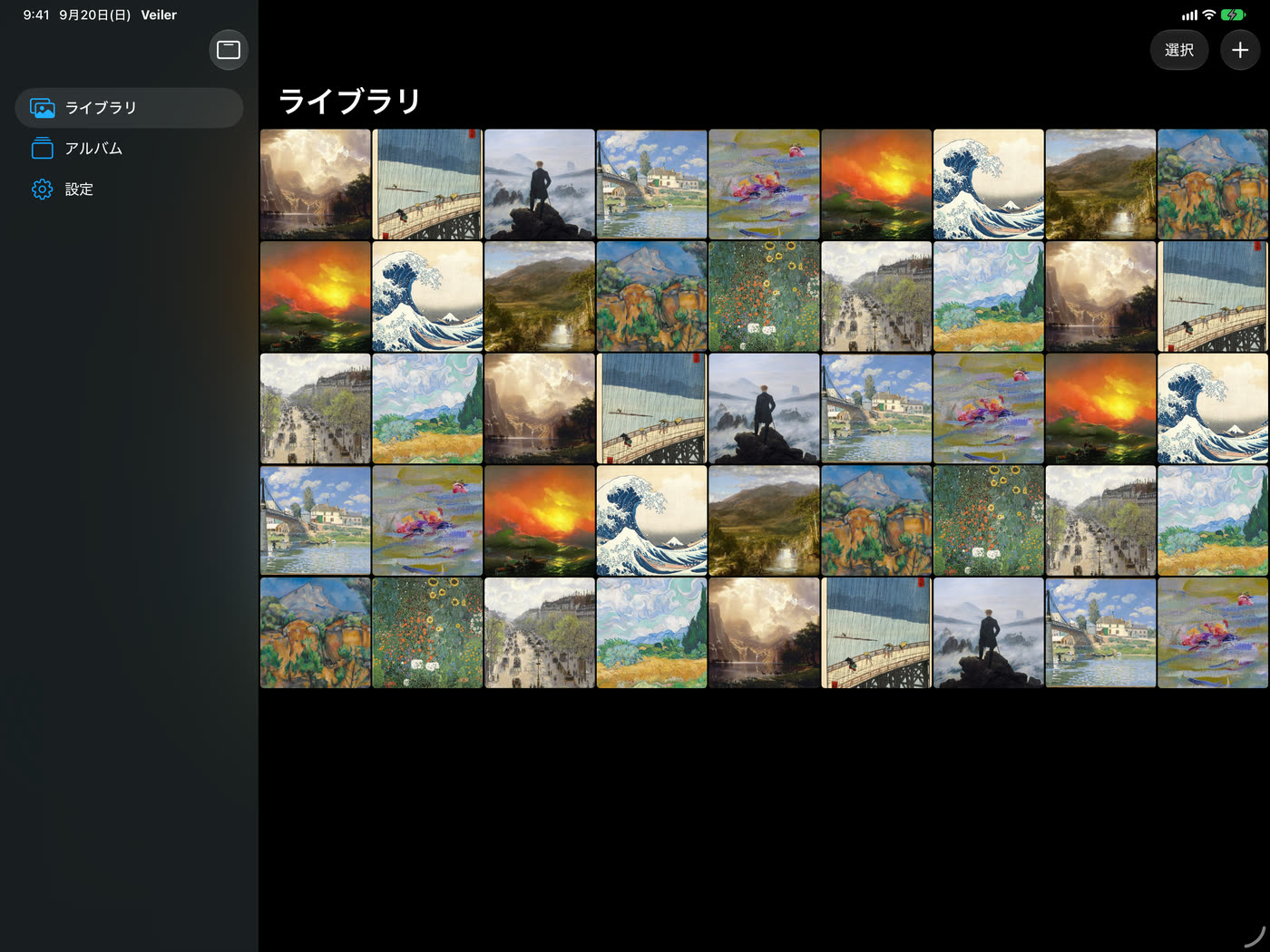
In landscape a sidebar sits on the left, so the library, albums and settings are one tap apart. The wider the screen, the more photos it shows at once.
Purchases are shared with the iPhone: the same Apple ID gives you the same plan on both.
| Free | Ad-free | Pro | |
|---|---|---|---|
| Vaults | 1 | 1 | Unlimited |
Keep separate vaults for separate things. | |||
| Items stored | 100 | 100 | Unlimited |
No cap on how much a vault can hold. | |||
| Albums | 5 | 5 | Unlimited |
Make as many albums as you like. | |||
| Passcode and Face ID | ✓ | ✓ | ✓ |
| Export everything | ✓ | ✓ | ✓ |
| Ads | Shown | None | None |
No advertising anywhere in the app. | |||
| Cloud sync | — | — | ✓ |
Sync a vault to your own cloud, such as iCloud on iOS, and get it back on another device, or after reinstalling. The copy kept in the cloud is always encrypted. | |||
| Free up device space | — | — | ✓ |
Originals the cloud already has are removed from this device and fetched when you open them. | |||
| Trash | — | — | 30 days |
What you delete waits 30 days, and can be brought back. | |||
| Hide a vault from the list | — | — | ✓ |
Keep a vault out of the list, opened only by typing its passcode. | |||
| Shake to lock | — | — | ✓ |
A shake takes you straight back to the lock screen. | |||
| Video speed and looping | — | — | ✓ |
Change the playback speed, or loop a clip. | |||
Tap a row to see what it does. The monthly Pro plan starts with a 7-day free trial. Pro is available monthly, yearly, or as a one-time purchase. Pricing and purchase terms are as shown in the App Store.
Your passcode is checked on the device itself and we never hold a copy, so there is nothing on our side to recover or reset.
Export them from that app into the Photos app, then pick them in Veiler under “From photos and videos”. Anything you keep in Veiler can be exported the same way, whenever you like.
Yes. On an iPad the tabs become a sidebar, and landscape is supported. Purchases are shared with the iPhone: the same Apple ID unlocks both.
It's planned, but there is no date yet. We'll say so on this page once there is one.
In iOS Settings > (your name) > iCloud > Manage Account Storage, select Veiler and delete its data. Deleting the app alone does not remove it.
Use "Restore purchases" on the paywall — reachable from "Upgrade to Veiler Pro" in Settings — signed in with the same Apple ID. Cancel from your App Store account settings.